Introduction
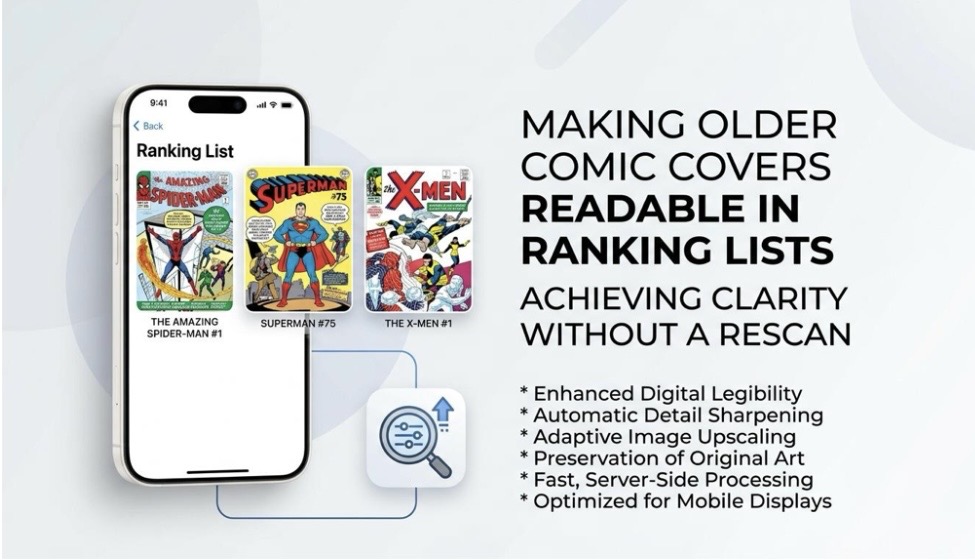
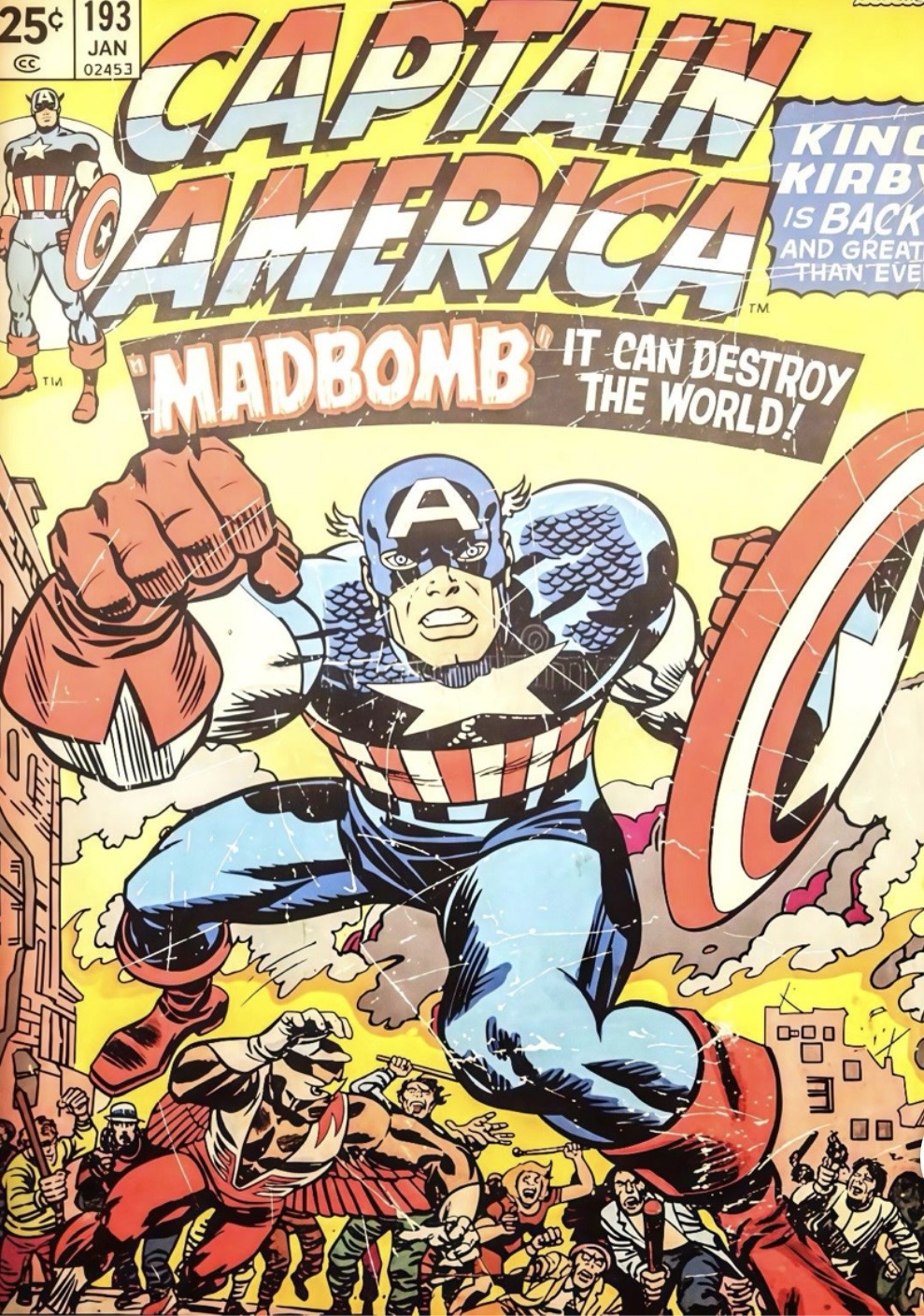
Ever tried to read an old comic cover in a ranking list?
That tiny title can be a real pain.
The cover can appear clear when you open it. But in a list, you will find it gets a lot smaller. Old scans often look grey, blurry, or low resolution.
So, what can you do if a new scan is out of the question? You can boost your existing image via an image enhancer. Use straightforward edits to make the text on the cover and details more visible.
This article will show you how to brighten older comic book covers and make them easier to read in a ranking list with the image you currently possess rather than a new scan.
When an Old Comic Cover Doesn’t Look Its Best Online
Old comic covers can look great in the bookstore. But online, things can be different.
The digital cover might look blurry, the colors may appear to have faded, and the letters could seem so small that it’s just impossible to see what the comics are titled.
This can be a problem in ranking lists. Readers want to look at the covers and compare them. If one cover is hard to see, it can take away from the whole list.
However, you may not need another scan. If you already have a digital version, you can often enhance it and make the cover more transparent.
Why Older Comic Covers Lose Readability
Common Problems with Older Digital Covers
Ever observed how an old comic book cover by itself looks great… but when placed among others in a list, something just doesn’t feel right.
A lot of those old scans are not of very high quality. Some looked washed out. Others have text that is light and lines that appear blurred. Dust, scratches, or image noise are not uncommon to be observed on them.
Photos of physical comics are also not perfect they have their own limitations. There could be a glare or poor light which affects the picture in different ways. The image could also be slightly out of focus.
Likewise, there is the issue of compression. Every time an image is saved, then uploaded, and then scaled, it loses something, more detail.
Why This Is Especially Noticeable in Ranking Lists
People tend to flip through the covers in a ranking list.
Tiny details count. The name, issue number and cover art should still be identifiable.
A bad image can also make an old comic look worse than it is. A newer comic with a clear, high-quality image might seem better because its cover is easier to make out.
How Wink Can Improve an Existing Comic Cover
Blurry, illegible comic covers?
Let Wink come to the rescue. You can upload an existing image and turn up the quality without needing to scan your actual book again.
One of the features of Wink’s AI Image Enhancer is that it will sharpen the softer details you may not even notice and increase the resolution of an image.
For a low-quality scan, this can help you recover the lost details such as small characters, lines and background design. Besides that, it is an efficient means for the images and scanned photos of physical comics which appear as if the color has faded.
The tool also allows you to decide the amount of sharpening you want your images to have. This is a very good feature if you are going to use comic covers since you do not want sharpness to the point where your fonts and artwork will look rough. If you prefer keeping the cover in its natural form you might want to opt for the lighter setting.
Give Small or Low-Resolution Covers More Usable Detail
When the Cover Is Just Too Small
Ever tried making a tiny comic cover bigger, only to make it look even worse?
That is the problem with simple resizing. The image gets bigger, but the blur stays. Sometimes it even becomes more obvious.
This is where the AI UHD mode of Wink will be your solution. It can zoom your image by 2-3 times while preserving the sharp edges and textures of the image. In that respect, you can have more space to work if you need a larger image to be shown on the cover.
Does the Cover Still Look Natural?
Looks better at first glance? Take a closer look.
You can zoom in to view the title, issue number, faces, logos, and thin lines. Make sure that all these elements still appear fine. If something seems strange or the result is too much contrast and sharpness, go for the slight enhancement options.
Besides, you should also keep a copy of the original. Wink can clear up a cover, but, as it is an AI, it can’t really know what missing text or artwork looked like before.
So, the idea of the enhancement is to make the cover easier to see, not to replicate the original.
A Simple Workflow for Ranking-List Covers
Got a bunch of old covers to fix? Keep it simple.
Step 1. Start With the Best Image You Have
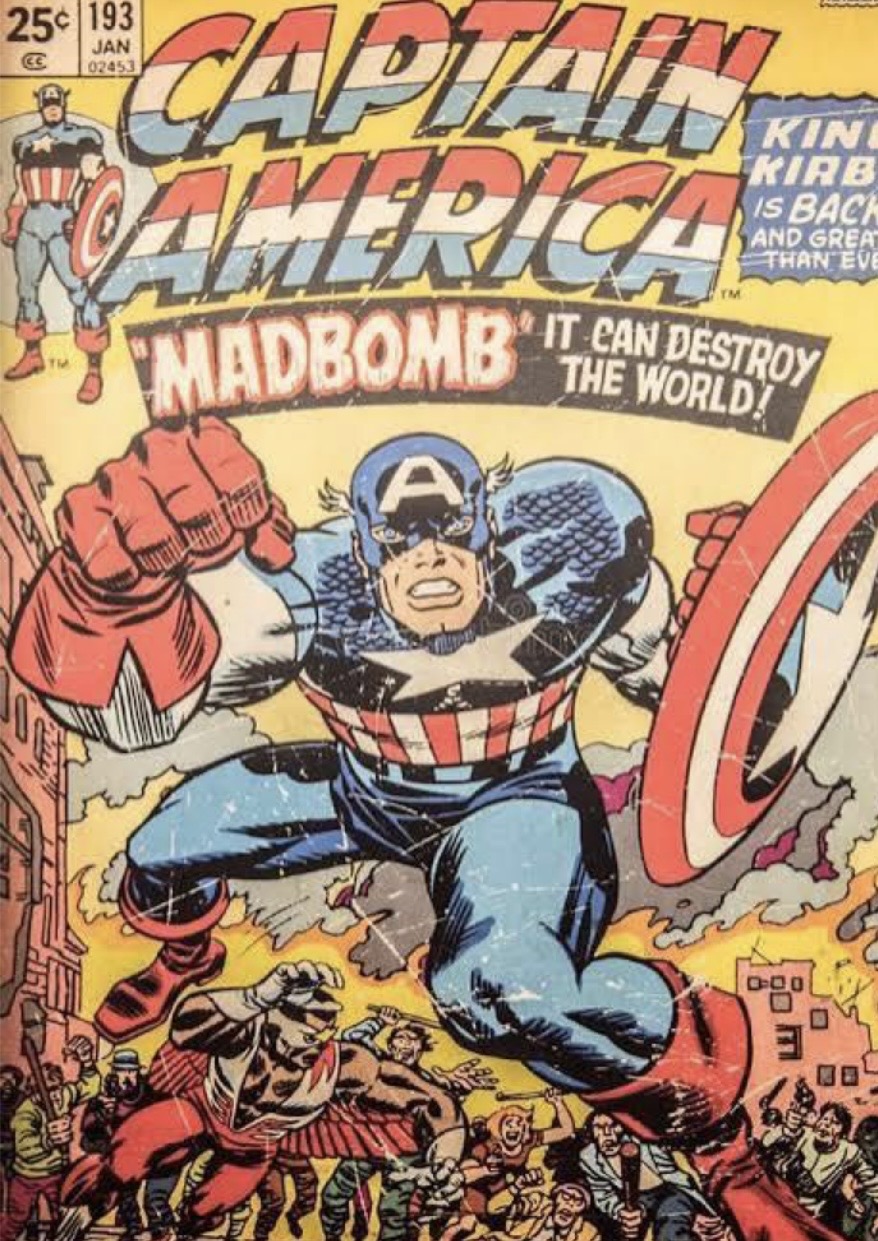
Look for the best and original copy you can find. If you have a few versions, pick the one with the most detail and least blur.
Step 2. Choose AI UHD
Select AI UHD from the enhancement options. This can enlarge the cover by around 2–3× and help keep the edges and small details clear.
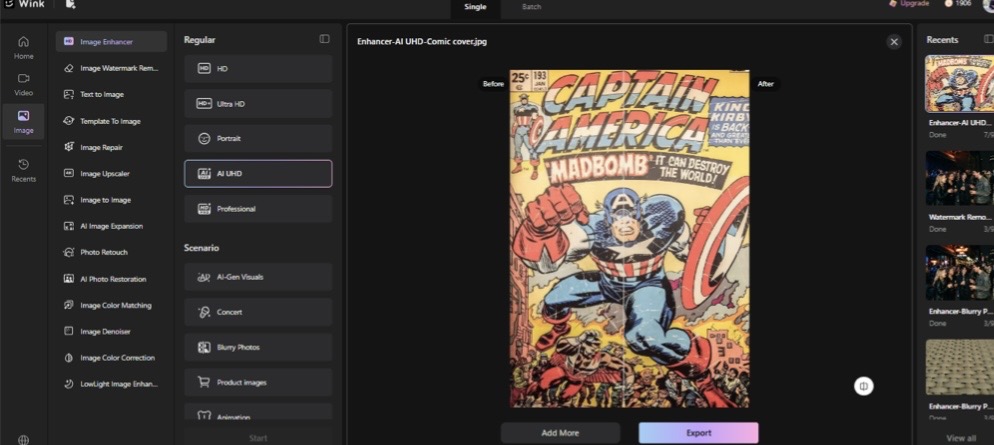
Step 3. Download the Improved Cover
Once you are happy with the result, export the image. Use this improved copy in your ranking list.
Enhancement Isn’t a Replacement for Archival Scanning
If something is entirely missing on a scan, AI enhancement might not be able to restore it completely.
So, although it may make an old photo more visible or an aged image easier on the eyes, it is not a guarantee that your old cover will be brought back to life exactly.
If you are storing your comics for future use or for grading or to make a historical record, getting a high-quality scan is the best approach yet.
But you also might not be so worried about that.
If you can’t get the comic redone, ranking lists, reviews, or other online comic pieces may allow you to upgrade the existing one.
Conclusion
Sometimes, you just need the cover to look clear enough to read.
You don’t always have to search for and re-scan the comic! If you do have a good scan already, you can use a tool like Wink to make it sharper, larger and clearer.
Upload the cover, choose the right enhancement level, check the small details, and download the improved version. Then use it in your ranking list.
Keep the original on one hand anyway-it’s still your top quality reference to what was intended.
About Author
